
Home » Installation Guides
Installation Guides
This feature allows you to upload and store your own installation documents for easy reference onsite. Whether it’s manufacturer guidance, internal procedure or approved methods. You can keep everything organised and accessible when completing your work. Installation guides are assigned to individual projects, so teams only see the documents relevant to the job at hand. This helps to reduce clutter and keeps the process simple.

Updated: 27/10/2025
Adding an Installation Guide
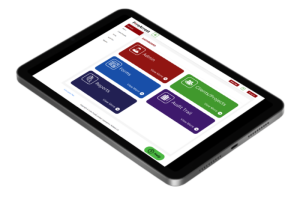
- Access the Admin Centre and select the admin area.
- Select Installation Guides.
- Select the add installation guides button in the top right.
- Name you installation guide.
- Choose the correct file you wish to download.
Only PDFs can be used for installation guides
6. Select Submit.
Linking an Installation Guide
Once an Installation Guide has been added into the document library it must be assigned in order to be accessed onsite.
- Select Clients/Projects on the dashboard.
- Select Projects and locate the desired project
- Select the edit button in the action area.
- From the installation Guide dropdown, select the relevant documents.
- Select Save.
Deleting an Installation Guide
Please be aware that if an installation guide is deleted then it will be removed from any project it has been assigned to.
- Access the Admin Centre and select the admin area
- Select Installation Guides
- Select the Delete button from the action area
- If you would like to continue, select yes.
Was this article helpful?
Need More Help?
Table of Contents
Relevant Articles
- New to FireArrest? Start Here
- Assigning an Operative
- How to Create a Client
- How to Create a Project