
Home » How to Upload a Drawing Plan
How to Upload a Drawing Plan
Once a project has been created, it is important that you upload drawing plan to give your operatives a canvas to drop their pins on whilst they are onsite. By uploading a drawing plan of the building you are working on, you are ensuring that there is accurate recording of the jobs that are being completed on site.
In this guide, we will walk you through how to upload a drawing plan to an already existing project.
Not created a project? Learn more… How to create a project

Updated: 27/10/2025
Steps to creating a project
- Access the dashboard and select. clients/projects.
- Select projects.
- Locate you desired project and select the edit button in the action area.
- Select upload drawing.
- Input Drawing name.
- Attach an individual Risk Assessment document if applicable.
- Select upload drawing
- Select the relevant drawing plan from your files.
Please be aware that this must be an image file. For example, JPEG. If you do not have an image file, then there are image file converters online that can be used as FireArrest does not have an inbuild function to convert the files.
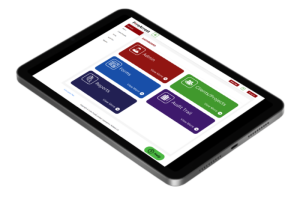
9. Select the appropriate image resolution.
If you are unsure which option to use, then please leave it blank and the system will automatically detect it.
10. Select upload
The drawing will now be visible in the individual project area. This where the work that you operatives are completing on site will be accessible. To see this please select the view icon in the action area.
Need More Help?
Table of Contents
Relevant Articles
- New to FireArrest? Start Here
- Assigning an Operative
- How to Create a Client
- How to Create a Project