
Home » Editing a Form
Editing a Form
Need to make changes to an existing form? Whether you are updating a question, adding new categories or adjusting rules, FireArrest makes it easy to edit your forms at any time. This guide will walk you through how to safely update a form. Please keep in mind that any changes made will affect any form that has not been submitted.

Updated: 27/10/2025
Steps to Edit a Form
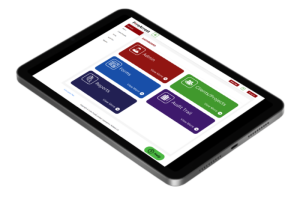
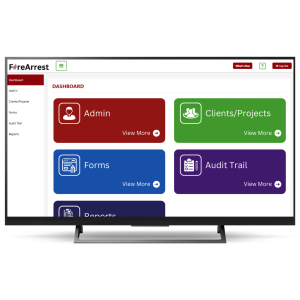
- From the dashboard, select forms.
- Locate the desired form.
- Select the edit button from the action area.
If you would do not want any changes to affect the forms that have already been completed, then please duplicate the form first and then make the changes on the duplicate.
4. Locate the questions you wish to edit.
Please note that it is currently not possible to edit the question type for existing questions. Please duplicate the question and then change the answer type. Then enter in the possible question answers.
5. Edit the question.
6. Select Save.
Any question that has been edited will now have a ‘edited’ banner displayed over the corner on any already existing forms.