
Home » Complete Project Report
Complete Project Report
The complete project report gives you a full breakdown of everything that has taken place across a project. It includes all submitted forms, data, photos and supporting information without any customisation. This guide will show you how to generate and download a Complete Project Report in just a few steps.

Updated: 27/10/2025
Steps to Generate a Complete Project Report
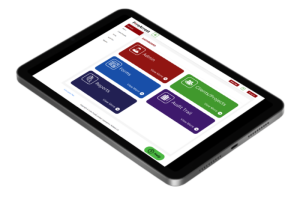
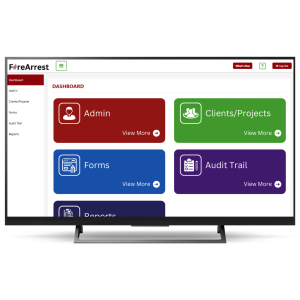
- From the admin centre, select reports.
- Select Project Report.
- Select Client Name.
- Select Project Name.
- Select Complete Project Report.
- Select desired Format.
- Select Report Downloads for access to generated reports.
All FireArrest reports automatically download a HTML file along side the desired format. This is a safety feature to ensure that the report is still accessible even if the desired format file size is too big.
Also, all FireArrest reports are on a publicly facing permanent URLs which means that they will always be accessible and can be shared via the URL link instead of downloading the document. This has been designed to increase efficiency when it comes to sharing reports internally and externally with clients.
Need More Help?
Table of Contents
Relevant Articles
- New to FireArrest? Start Here
- Assigning an Operative
- How to Create a Client
- How to Create a Project