
Home » Roles and Permissions
Roles and Permissions
Within FireArrest there are multiple roles and permissions that can be assigned to users. In this article, we will walk through each role and what permissions they have within our system.

Updated: 27/10/2025
Admins
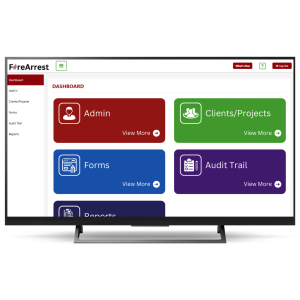
Admins have full access to the FireArrest dashboard via a desktop or the FireArrest app.
They can view and edit any information on their account from creating project, to editing them before a report is sent out.
Operatives
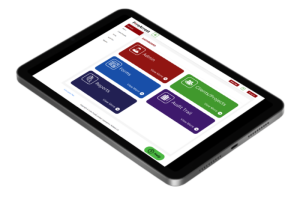
Users added as operatives will only have access to the FireArrest app where they can complete their work by dropping pins and editing them.
To add an operative onto the main system, an admin must create them a user via the FireArrest dashboard using their email.
Client Users
Client Users will have specific access to different features based on what permissions you allow them to have. A full client user will have read-only access to Audit, Costings, projects and Reports. They will be able to run off their own reports at any time and in any format. They will not have permission to use the FireArrest app.
In most cases, the client user will only be able to access information about their own projects and reports. However, FireArrest does offer you the ability to allow client users to access other project and clients.
Need More Help?
Table of Contents
Relevant Articles
- New to FireArrest? Start Here
- Assigning an Operative
- How to Create a Client
- How to Create a Project